
Celestron NexYZ DX Smartphone Adapter Kit with Bluetooth Remote


Celestron NexYZ DX Smartphone Adapter Kit with Bluetooth Shutter Release Remote
Use your smartphone to capture cosmic wonders with the NexYZ DX Smartphone Adapter Kit from Celestron. With this powerful telescope accessory, you'll be able to dive into the exciting world of digiscoping and capture photos through your telescope with your smartphone camera! You can also attach your smart phone to a microscope or spotting scope to capture stunning photos of local wildlife and distant landscapes.
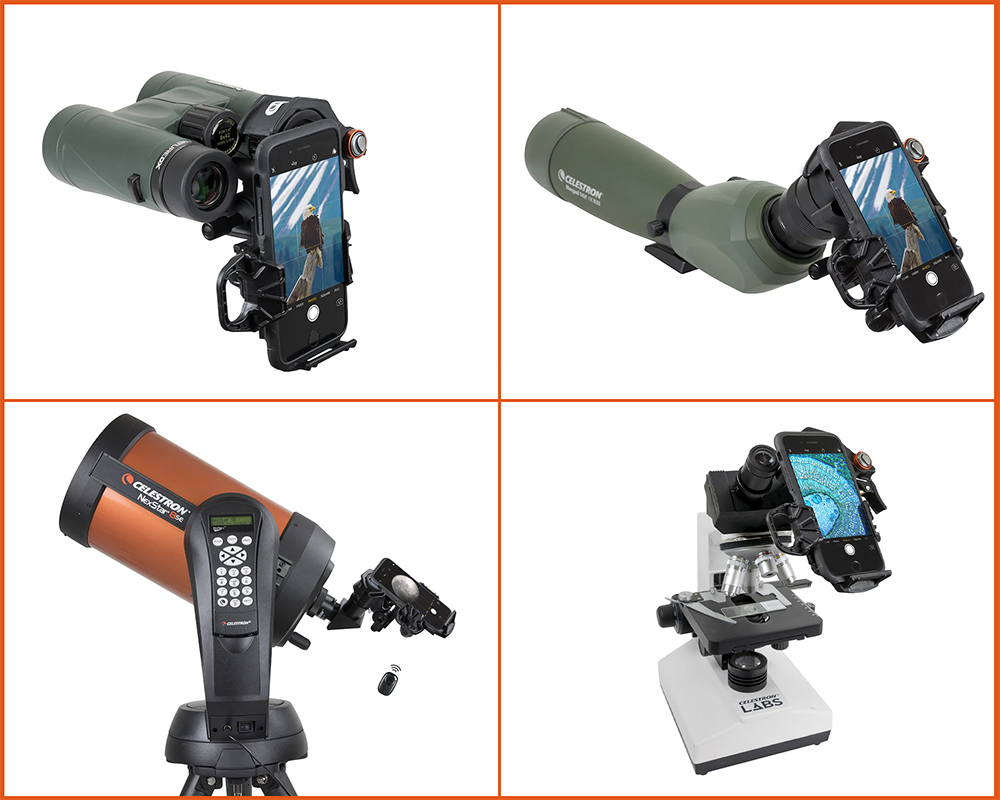
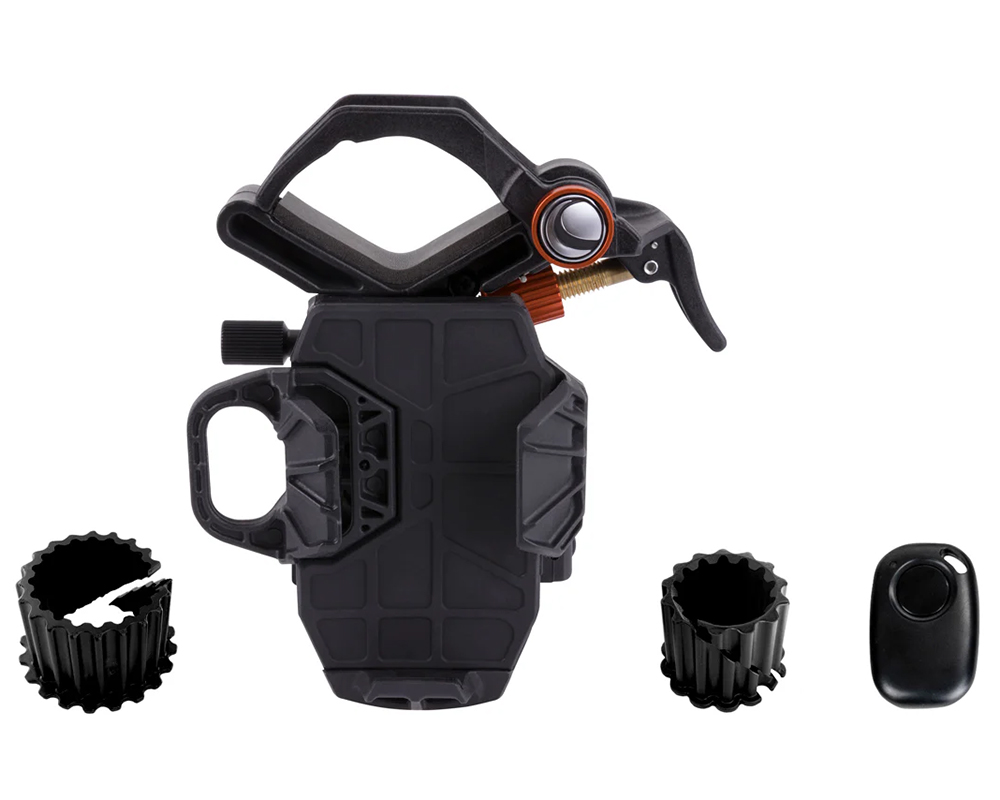
The NexYZ DX Smartphone Adapter Kit is an exciting accessory upgrade that allows you to easily attach your smartphone to the eyepiece of a telescope, microscope, binoculars, or spotting scope. Featuring a unique clamp design that firmly secures your smartphone and precision rack-and-pinion adjustment knobs which facilitate smooth three-axis positioning, the NexYZ makes it easy capture clear photos and videos. With the included eyepiece adapter rings, the NexYZ DX supports eyepieces between 25 mm and 60 mm, meaning you'll have the freedom to use almost any optical setup from microscopes to telescopes. It also includes a Bluetooth enabled wireless shutter release remote that syncs with almost any smartphone, allowing for handsfree photo and video capture!
NexYZ DX Smartphone Adapter Kit At a Glance
|
|
|
|
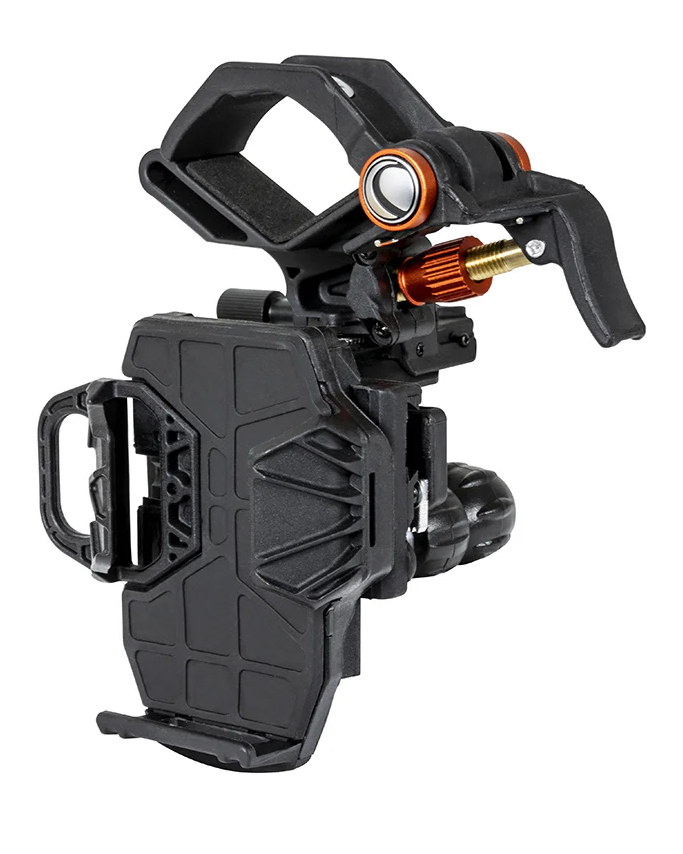
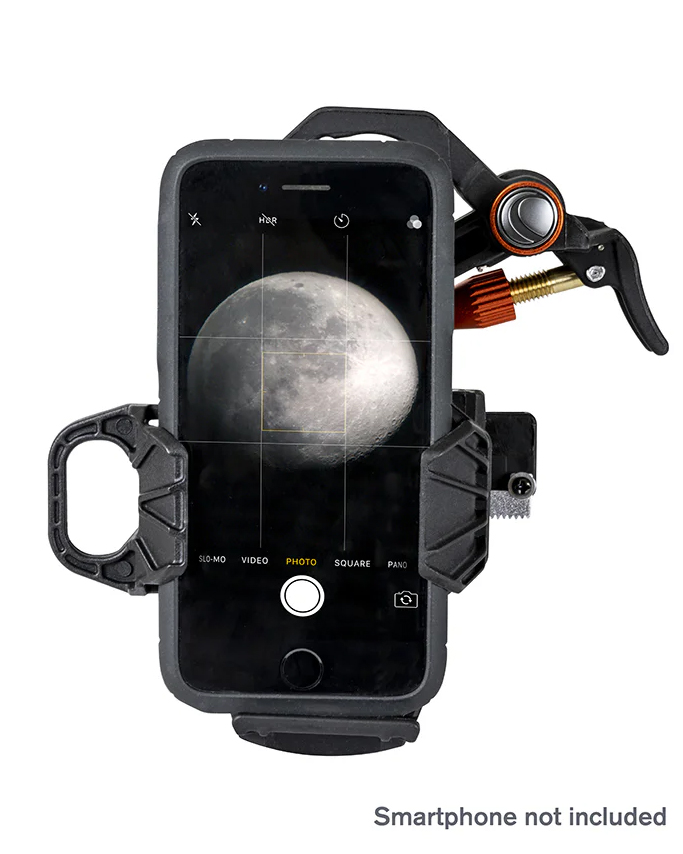
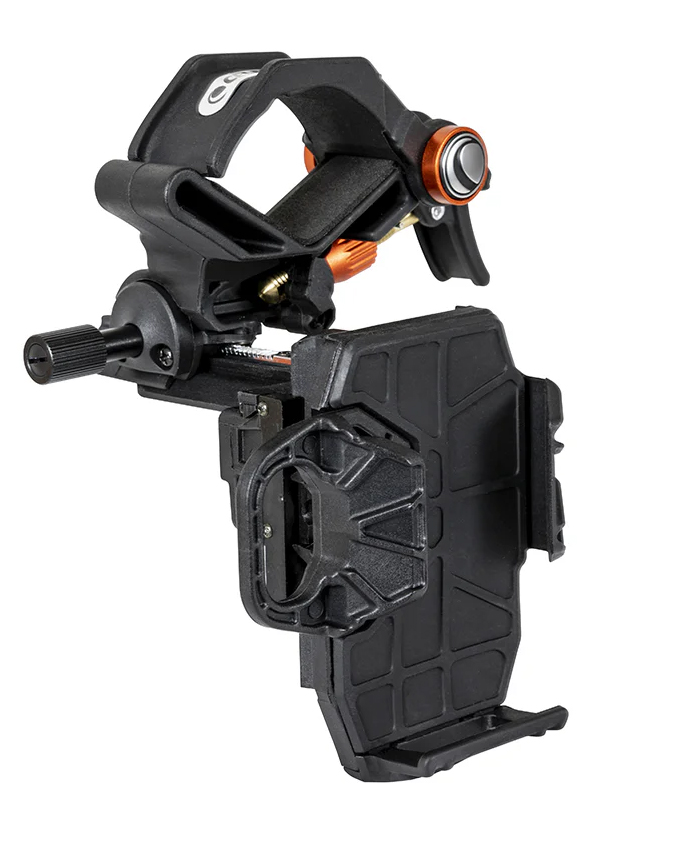
A Complete Digiscoping Solution
The NexYZ DX Kit is a great accessory upgrade for those looking to step into the exciting world of astroimaging or digiscoping. It comes with everything you need to capture sharp, detailed images and video, and it even comes with a wireless Bluetooth shutter release remote for your smartphone. Learn more below!
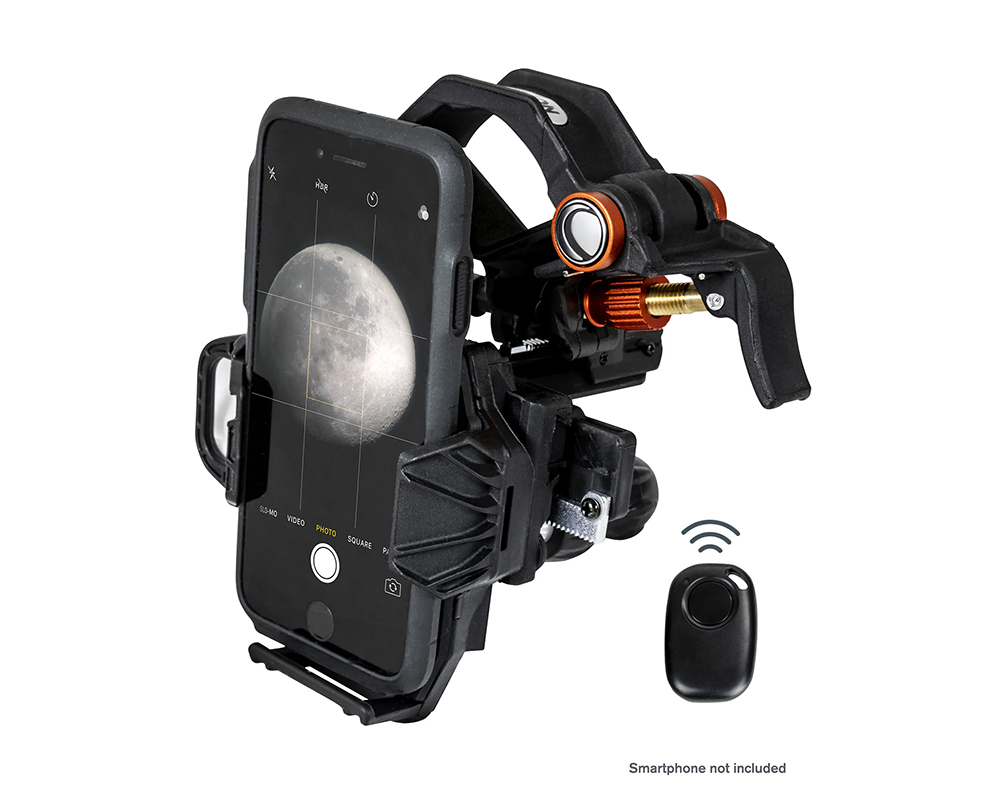
Work with Virtually All Smartphone Models
The NexYZ DX adapter is compatible with most smartphones, including Apple and Android devices. The X-, Y-, and Z-axis directional adjustment knobs make aligning your smartphone's camera a breeze. You can also adjust the tension to ensure your phone is firmly secure in place. This adapter is constructed with a rugged metal frame under a polymer body.
Compatible with Telescopes, Binoculars, and More
The NexYZ DX adapter is not only compatible with a wide range of smartphones, but also natively compatible with eyepieces ranging from 35 mm to 60 mm in diameter. That means you will have no trouble using this smartphone adapter with telescopes equipped with 1.25” or 2” eyepieces, spotting scopes, and binoculars. For optical instruments with smaller eyepieces, the NexYZ DX comes with two eyepiece adapter rings, which allows for use with eyepieces down to 25 mm in diameter.
Includes a Bluetooth Remote
Clear photos are just a click away thanks to the included wireless shutter release remote. Utilizing the Bluetooth feature of any Android or iOS smartphone, this small remote easily syncs with your smartphone, allowing you to wirelessly trigger the camera shutter and capture incredibly clear photos in an instant!
Frequently Asked Questions
What is the largest smartphone compatible with the NexYZ DX Smartphone Adapter?
The NexYZ DX Smartphone Adapter can extend up to 3.5" wide, meaning this adapter is compatible with almost all smartphone models. Foldable smart devices and tablets are not compatible with the NexYZ DX Smartphone Adapter, and some smartphone cases, such as “folio-style” cases, will need to be removed to achieve an accurate alignment.
How do I connect the Bluetooth remote to my smart phone?
To connect the Bluetooth remote to your smart phone, follow these steps:
- Press and hold the button on the remote until the blue light will turns on and starts to blink. The remote is now in pairing mode.
- Navigate to the Bluetooth menu on your smartphone and select and pair it with the device labeled “GBshutter.”
- After pairing the device, you'll be able to use the remote to trigger the shutter from your smartphone's camera app. You can also use the remote to initiate a video recording.
How do I increase the tension of the adjustment knobs?
If you find the motion knobs are too tight or too loose, you can easily adjust the tension using a Philips head screwdriver. The diagram below shows the adjustment points for each axis. Be sure to only make small adjustments as tightening them too much can make it difficult to use.

Astronomy Hub: Your one-stop-shop for Astrophotography Knowledge!
Our Gear Experts have compiled a wealth of information to help expand your astrophotography knowledge! Below you'll find links to articles, videos and "how-to" guides. Just one more reason that our Astronomy Hub is a one-stop-shop for all your astronomy and astrophotography needs!
| Your Complete Guide to Urban Stargazing |
| Ultimate Telescope Accessories Guide |
| The Best Telescopes For Viewing Planets |