
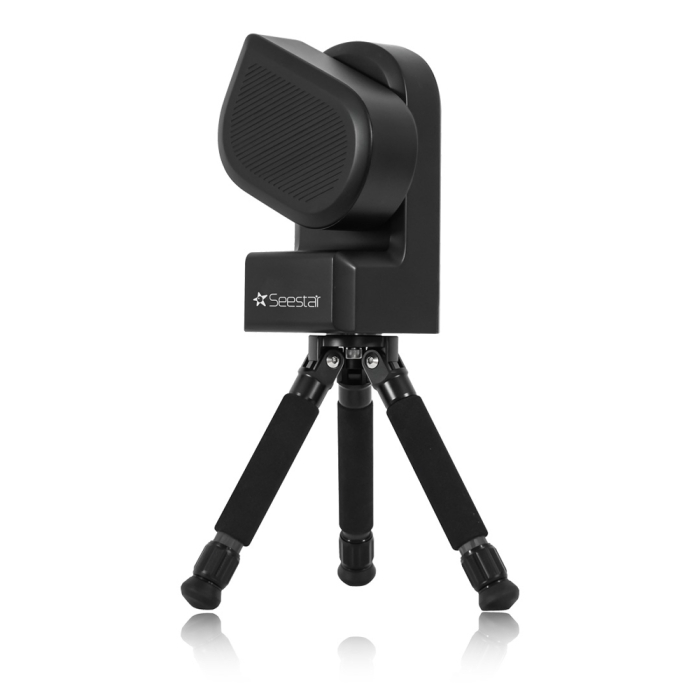
ZWO Seestar S50 All-in-One Smart Telescope

The Seestar S50 has been discontinued, but here's another option:
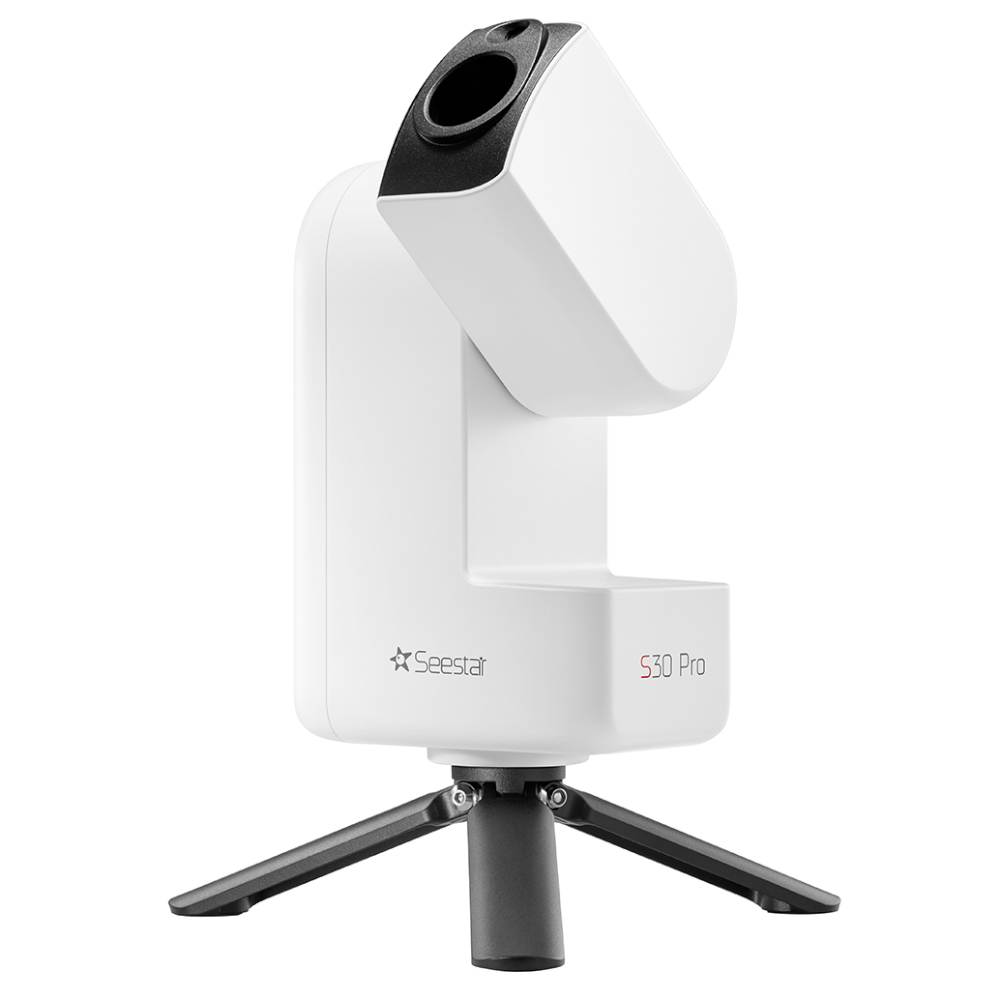
The Seestar S50 has been discontinued, but here's another option:
The Seestar smart telescope takes a mighty step forward, with the ZWO Seestar S30 Pro All-in-One Smart Telescope. Stunning picturesque astrophotos are just a few taps away with the ZWO Seestar S30 Pro! In just a 3.64 lb. package about the size of a large encyclopedia is advanced astro intelligence, a powerful set of 4K imaging sensors, premium apochromatic optics, motors, filters, and more. Be sure to check out this fantastic smart telescope today!
Introducing the Seestar S50 All-in-One Smart Telescope from ZWO!
Check out this video on the flagship model within the ZWO smart telescope line, the Seestar S50! Everything from what's in the box to imaging demonstrations, this full review goes in depth into everything you need to know about your ZWO S50.
ZWO Seestar S50 At a Glance
|
|
|
|
|
|
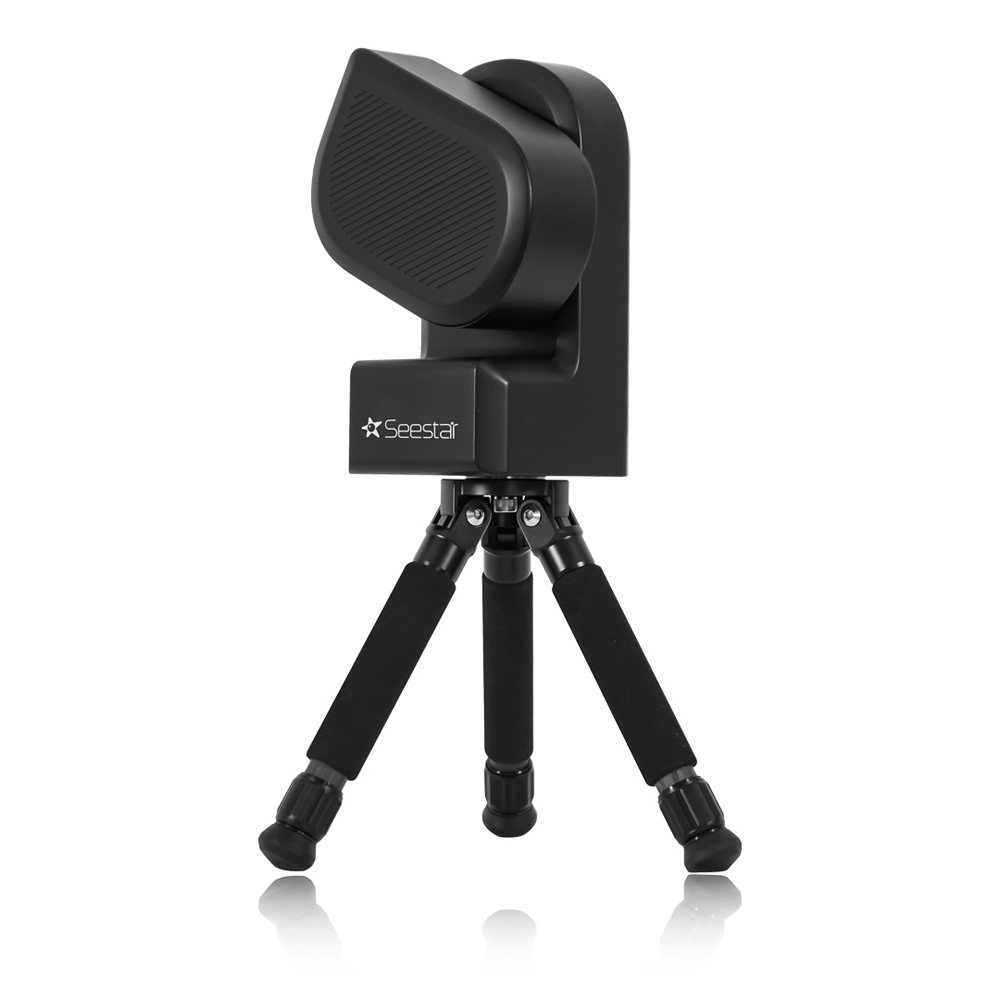
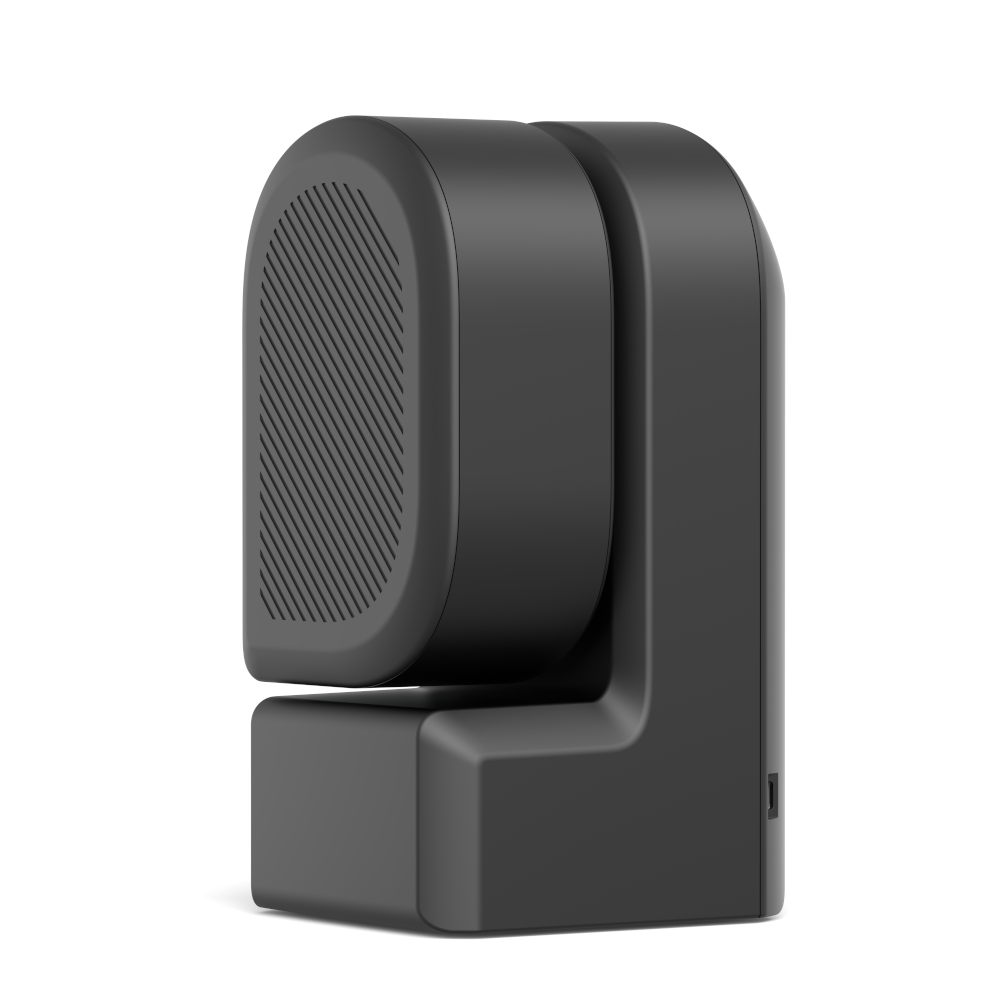
The SeeStar S50 Smart Telescope from ZWO combines a telescope, electric focuser, astronomy camera, and ASIAIR controller into one unit! This all-in-one smart telescope also includes an alt-azimuth mount, integrated tripod, and filter-switching device to give you the most well-rounded, out-of-the-box experience possible! It comes with all of this while still only weighing in at 3kg! Pairing it with the recently updated mobile app will allow you to unlock its potential and capture images of sky objects such as the Sun, Moon, galaxies, and nebulae. Using the ZWO Sky Atlas and "Night's Best Objects," you will be ready to plan your evening's viewing session in minutes!
Please Note: Upon powering up the ZWO Seestar S50, the device will not open/ move until commanded to do so by the user.
With this innovative smart telescope from ZWO, you can take full control of your astro-imaging. Once powered on and connected to your compatible smart device through the Seestar mobile app, the Seestar S50 Smart Telescope will open at your command! From there you'll gain access to all the amazing features packed into this mighty smart telescope, such as in app sky atlas and a curated list of the "Night's Best Objects" for your location. Once you locate a suitable target you can start capturing and stacking frame with a simple click of button. You can even switch over to the "Scenery," mode and dive into the uncharted regions of both celestial and terrestrial scenes. With the 64 gb onboard hard drive, you'll be able to save all your adventures directly onto the smart telescope or save them to your connected device to share with friends and family! And there's plenty more discover!
Live-stacking, Auto Go-To and Tracking, Object Databases, and More!
The ZWO S50 SeeStar is full of incredible features that not only simplify your astrophotography sessions but engage provide powerful performances including live stacking, auto GoTo and tracking, wireless connection, a star database, and an immersive visual experience. Learn more about these features by reading below.
Immersive Visual Experience
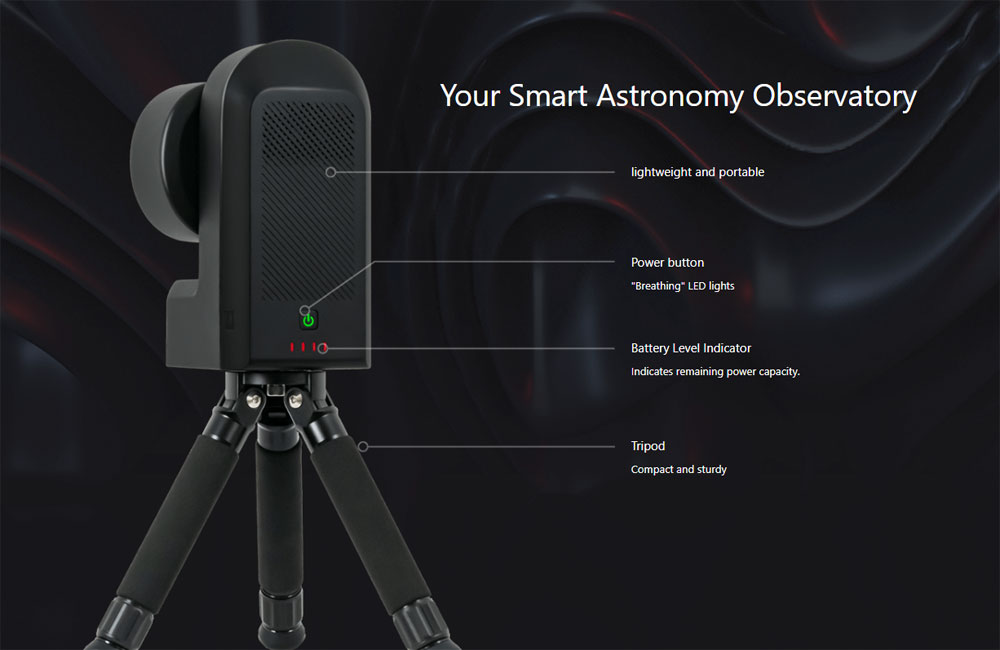
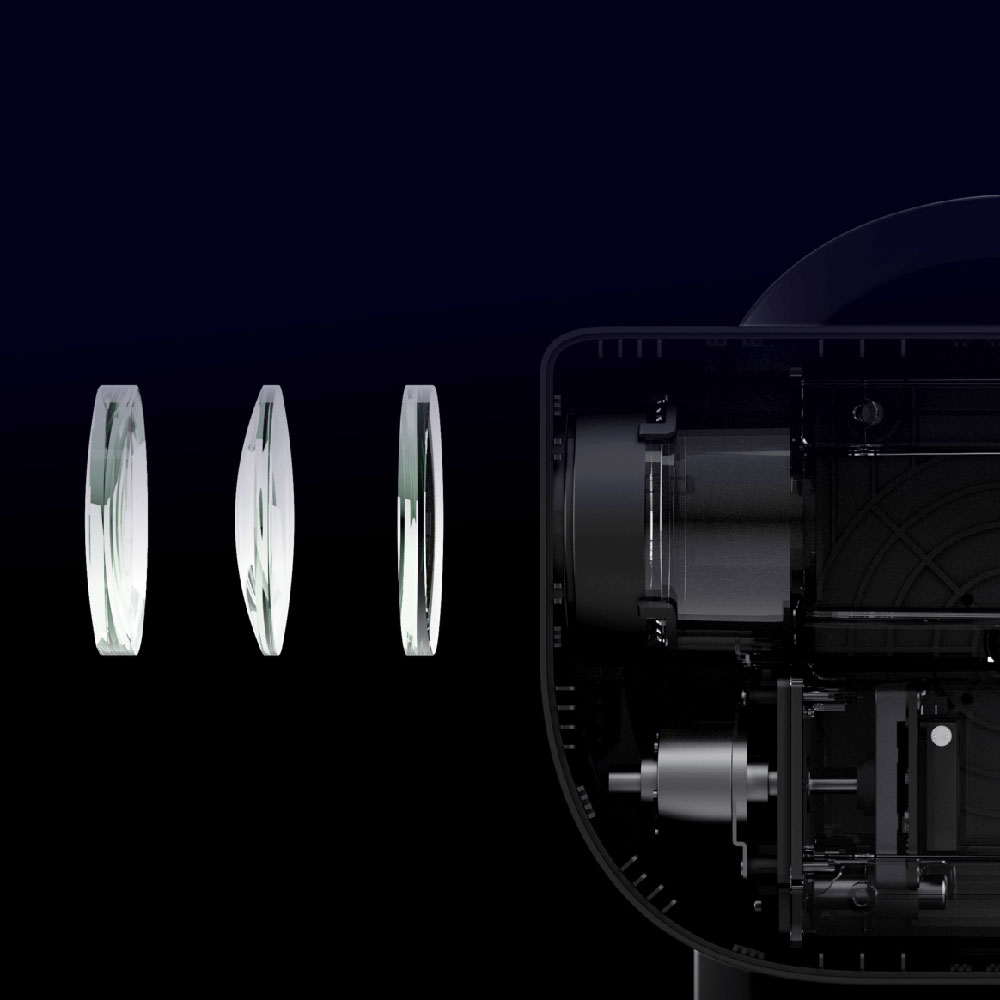
The ZWO Seestar S50 offers professional-grade triplet apochromatic optics. These optics provide crisp images of the night sky while maintaining excellent control of chromatic aberration. The included high-quality coating on the lens helps reduce light loss and enables you to get the most out of your visual observation with this 50mm smart refractor.
Seestar Imaging Sensor
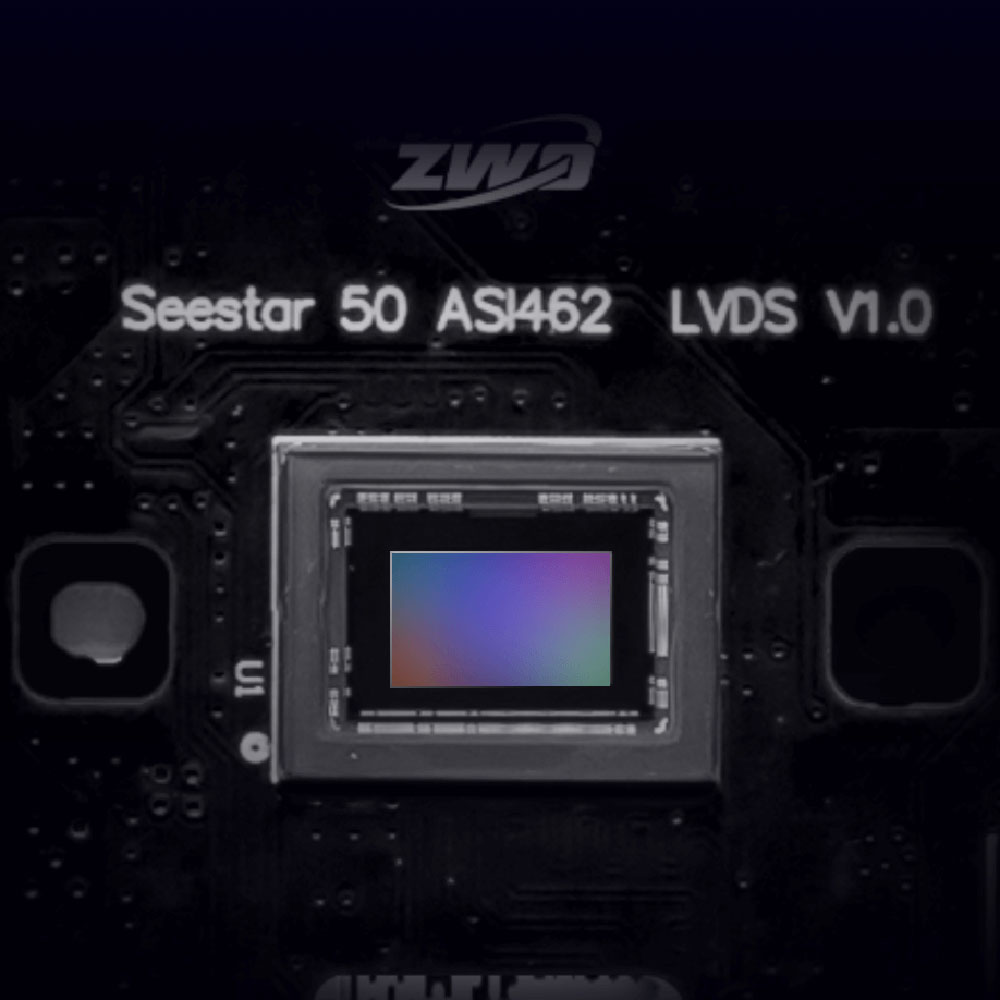
This Seestar Smart Telescope uses the amazing Sony IMX462 sensor, which features Sony's STARVIS technology. With this sensor, you are able to capture clear and sharp images, even in extremely low light conditions. Additionally, you are able to capture image details in the near IR range. Utilizing this Sony sensor, makes the Seestar an excellent companion to an astroimagers. The IMX462 sensor has a 1920x1080 resolution.
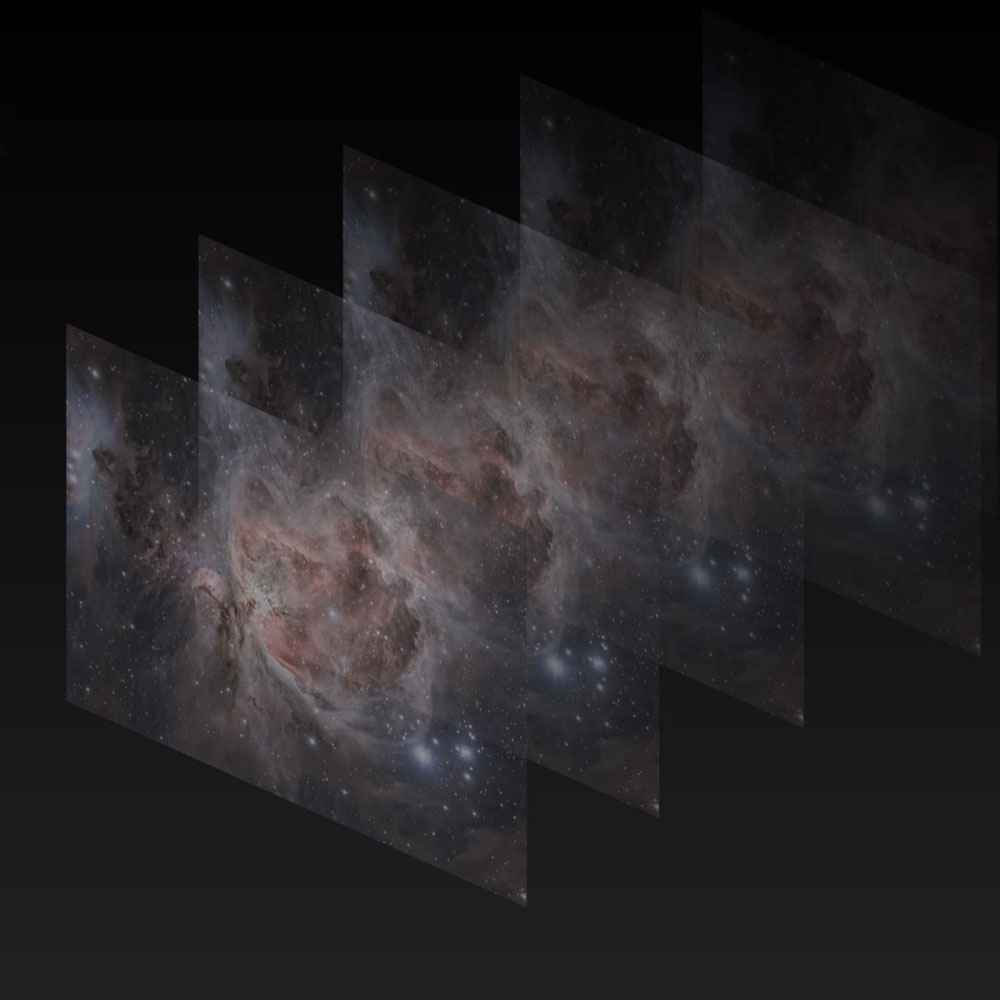
Live Stacking, Expansive Framing
ZWO has equipped the Seestar S50 with the ability to deliver stunning images through live stacking mode. The more images you take, the more stunning the details and colors. With this mode, you will slowly reveal details otherwise invisible to the naked eye! You can also expand and personalize your window into the night sky with Seestar's SkyAtlas framing assistant, allowing you to rotate and adjust the zoom of the default view through the S50. Once set, Seestar automatically images and stiches different sections of the sky to create your perfect frame!
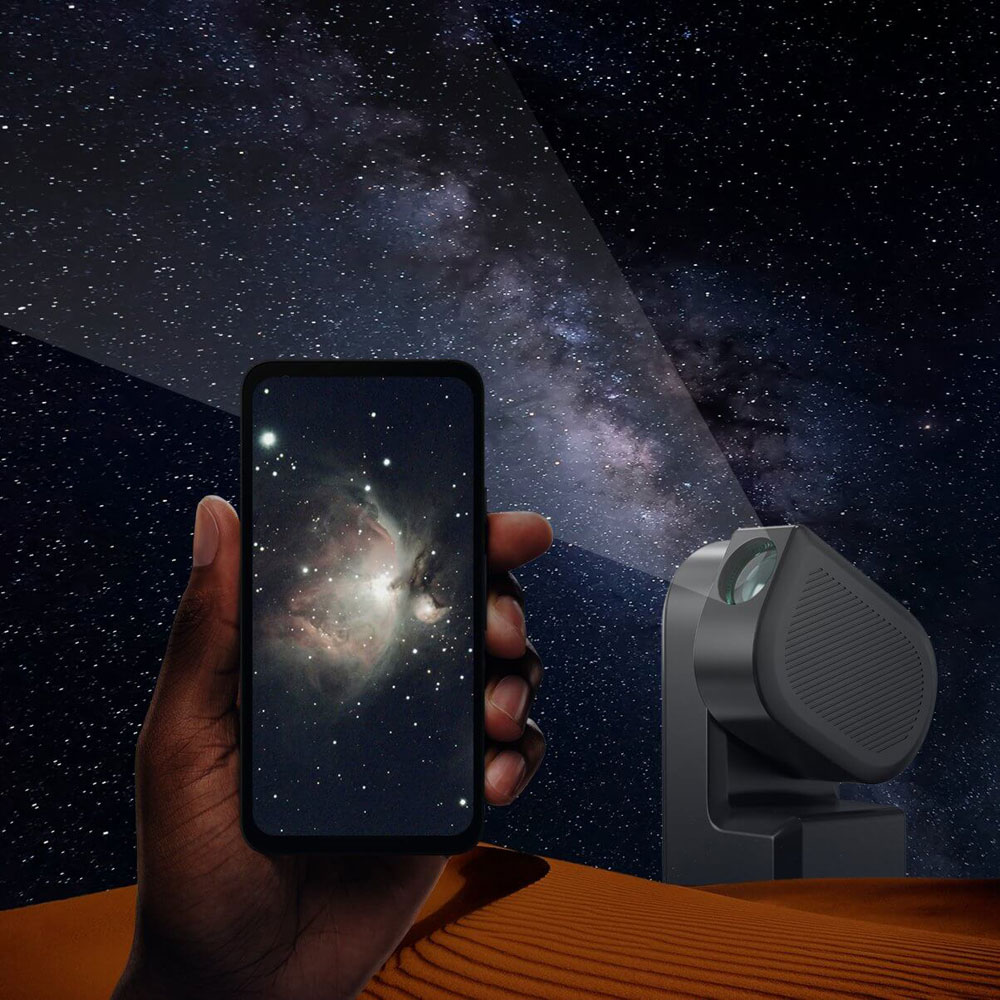
WiFi Connection
Looking to take your Seestar on the road? This ZWO smart telescope is operated using its built-in Wi-Fi, allowing you to use the Seestar anywhere, even without cell service! After powering on your Seestar, simply connect your phone or tablet through its generated Wi-Fi, allowing for immediate use through the app’s intuitive interface. Please note this smart telescope cannot be controlled through Bluetooth, however does require access to Bluetooth permissions for initial set up through the app as the connection can only be made through its own Wi-Fi. To ensure accurate performance, it is recommended to download the Seestar app prior to travel. Whether you are looking to take your telescope to your backyard, on a camping trip, or to a star party, enjoy stunning images of your favorite objects in space from anywhere!
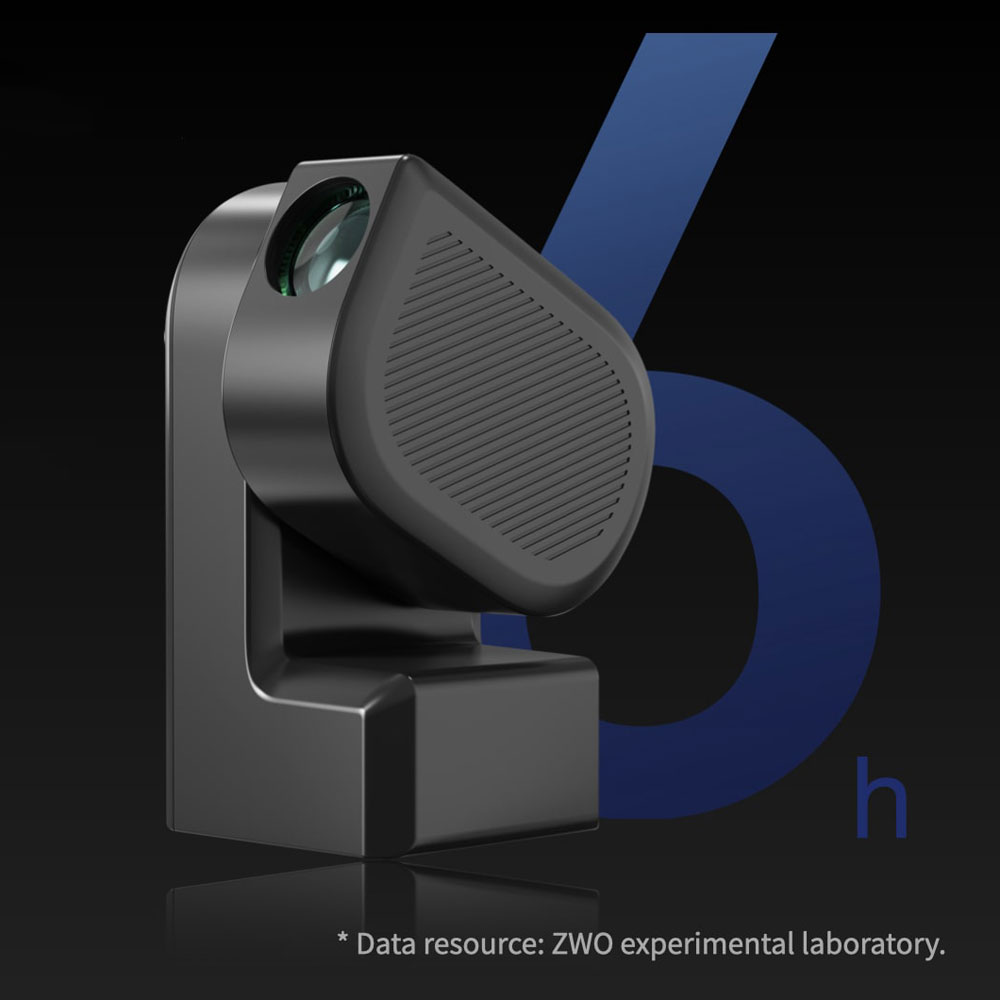
Low Power Consumption
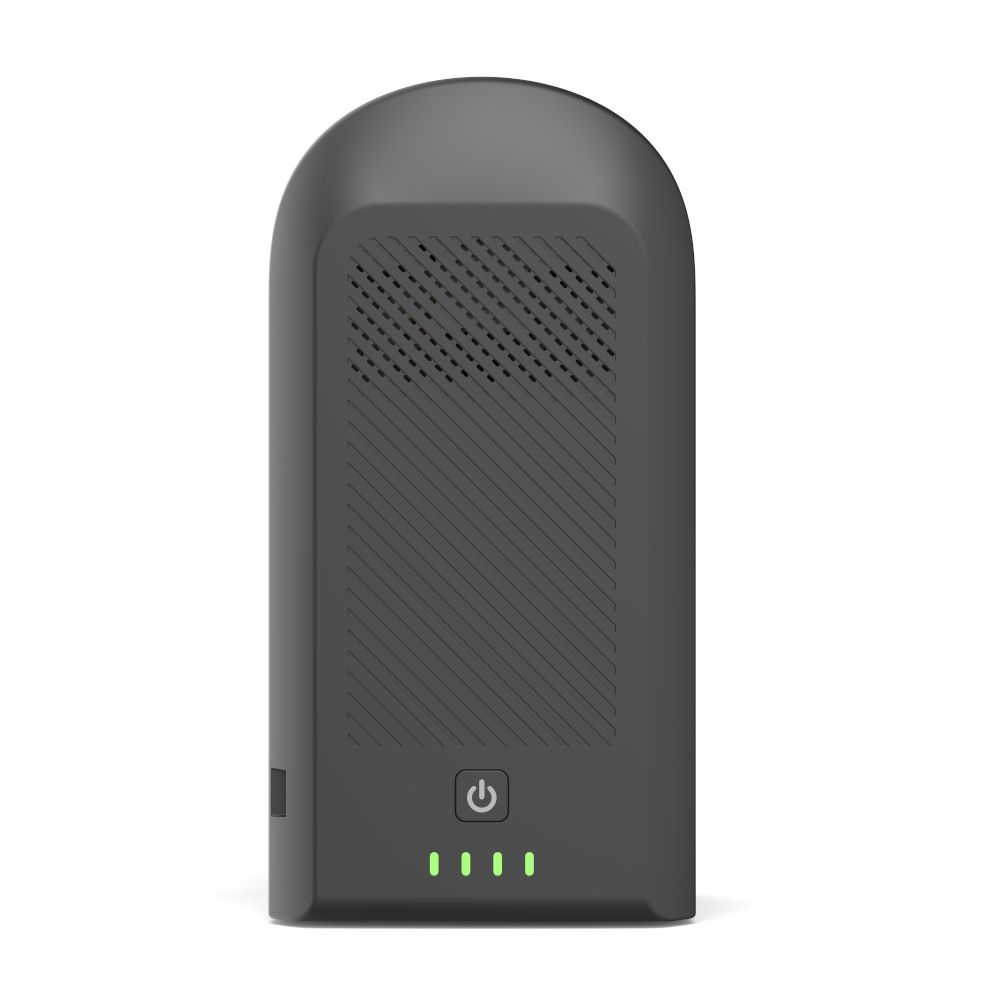
ZWO has designed the SeeStar S50 in such a way that it has low battery consumption for extended battery life. With this feature, you can operate your smart telescope for 6 hours when starting with a fully charged battery. The SeeStar can also be recharged with a compatible power bank such as the Apertura PS155 while in use, so you never have to worry about power and can spend more time focusing on your astrophotography!
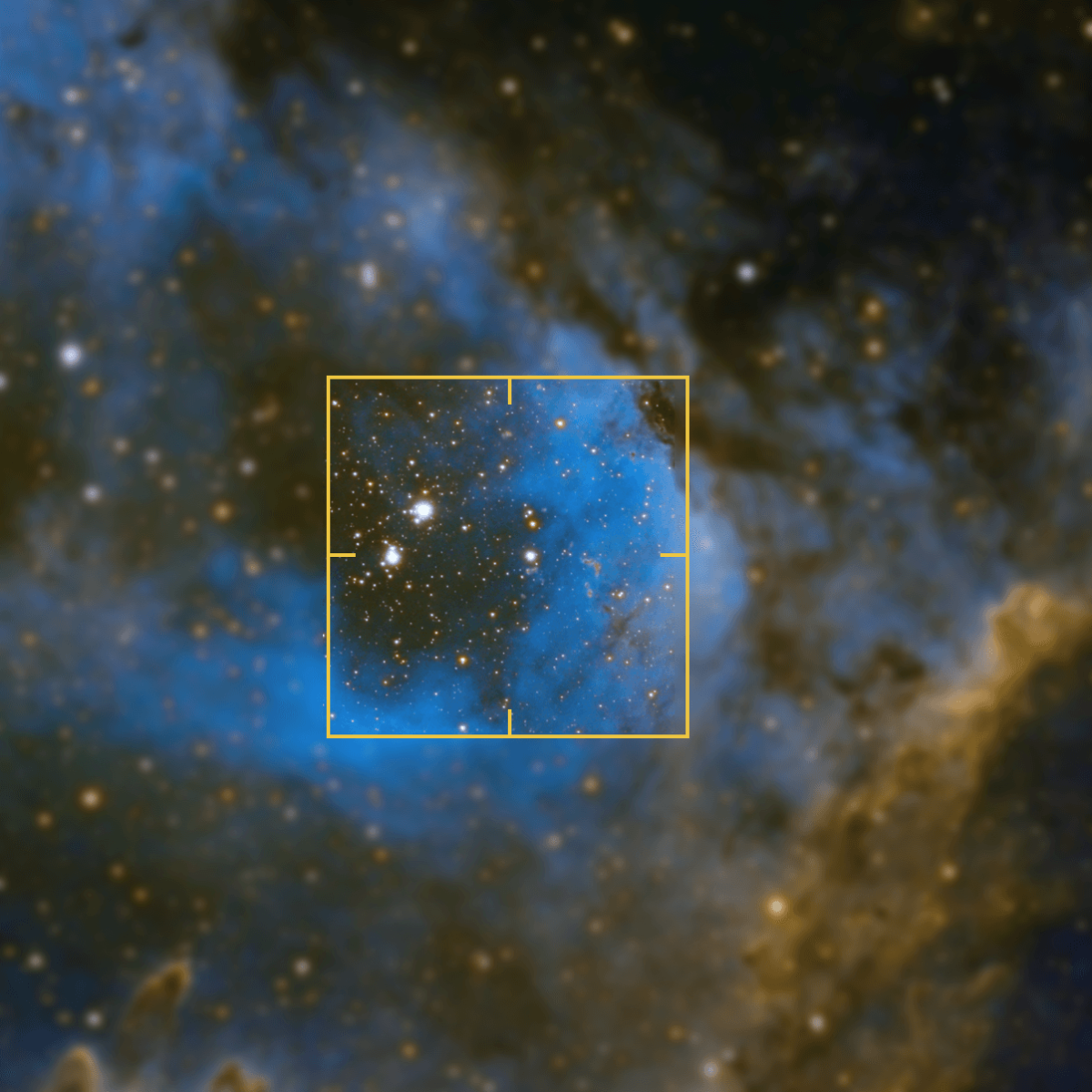
Auto Focus, GoTo, and Tracking
When combined with your phone's GPS sensor, the SeeStar S50's built-in sensors and star maps allow the refractor to automatically complete the self-calibration and alignment process. This makes the smart refractor an excellent companion for any amateur astronomer, as you don't have to be an astronomy expert to use the telescope. The telescope itself will be the expert that guides you along your journey. The auto focus system takes the hassle out of finding and maintaining the perfect focus. With the auto focus system, the images will come out sharp and crisp every time, and will even provide auto focus when in scenery mode. The Auto GoTo and tracking makes finding your objects easy. All you need to do is find the object on your phone, and the SeeStar will automatically align with the target and start tracking. This tracking will compensate for the Earth's rotation to ensure your object remains centered.
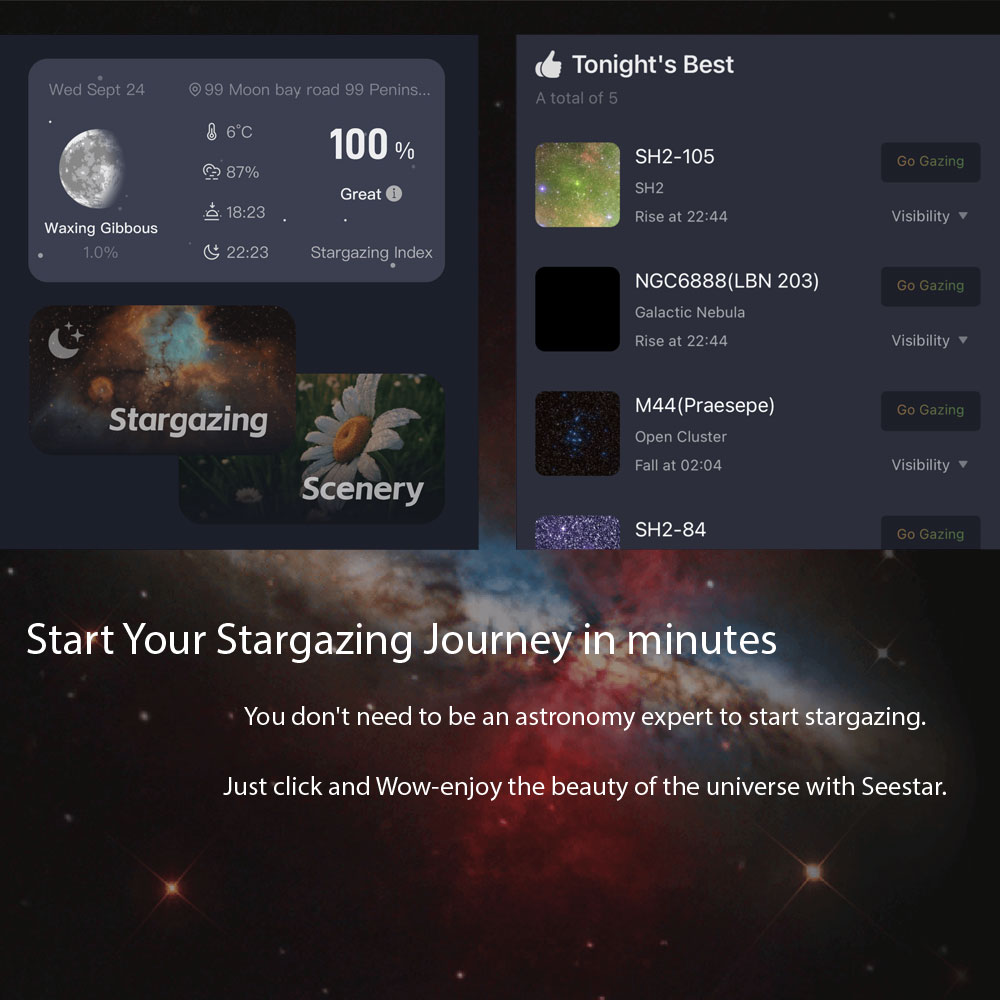
Seestar App and Object Database
You can use your smartphone or tablet as a telescope command center to simply and intuitively launch either a personalized star tour or a celestial expedition for family and friends! With just a few clicks, you will have access to SeeStar's incredible star and deep sky object database, which includes lists and detailed information about your chosen celestial target. Once you've launched your imaging session you can share Seestar's view with others via Guest Mode — allowing other's to connect their mobile device for a personal front row seat! With the recent changes to the Seestar app, you can even share your photos and interact with the growing community of Seestar users! If you want to stay current with all the upcoming celestial events, check out our 2026 Astronomy Calendar | Astronomical & Celestial Events.
App Device Requirements: iOS/ iPadOS - Device must be running at least OS 13.0, and have 6GB or more of onboard RAM; Android - Device must be running at least Android 8, and have 6GB or more of onboard RAM.
Frequently Asked Questions
How does the ZWO Seestar S50 work?
With its built-in telescope, camera, and mount, the ZWO Seestar automatically finds, tracks, and captures your selected target with little input required from you. The process is simple: 1) boot up the Seestar and connect to its emitted WiFi signal, 2) select your desired target on the Seestar app, and 3) sit back and watch your frames roll through! Be sure to check out our comprehensive ZWO Seestar Full Review for further information.
What can the ZWO Seestar S50 photograph?
The ZWO Seestar S50 is great for imaging nebulae, galaxies, our Moon, the Sun, and plenty more! The four imaging modes are as follows: Stargazing Mode for imaging deep sky objects, Lunar Mode for imaging our Moon, Solar Mode for solar astrophotography (with the included solar filter properly installed), and Scenery Mode for imaging landscapes or wildlife. The focal length of this Seestar S50 is 250 mm, though the field of view when utilizing Scenery Mode is equal to a 1750 mm ultra telephoto prime lens.
How do I clean the ZWO Seestar S50 lens?
The front objective of the ZWO Seestar S50 lens can be gently cleaned with either a soft microfiber cloth, a bulb blower to blast away dust, or a handy lens pen to wick away obstructions. For tougher obstructions, a lens-rated cleaning solution may be necessary. It’s important to spray a microfiber cloth instead of the Seestar lens itself to avoid liquid damage. Need an all-inclusive solution? We highly recommend the Apertura Optics & Sensor Cleaning Kit!
How do I use mosaic mode for the ZWO Seestar S50?
Using the mosaic mode of the Seestar S50 is quick and easy. First, you’ll want to toggle the SkyAtlas mode found at the bottom of the screen. Next, search for your desired target and select “Locate Target Position”. Once you’re back in the SkyAtlas screen, select “Framing” and choose your desired magnification and imaging angle. Finally, tap on “Go To”, and your Seestar will automatically begin to capture your mosaic!
How can I get the photos and FITS files from my ZWO Seestar S50?
To download JPEG files, you can simply navigate to “My Album” found on the homepage of the Seestar app, hit the share icon on the right hand side of the screen, then select “export”. Your JPEG images will be saved to your camera roll. To download your FITS files from your ZWO Seestar, a couple of options are available. The simplest way is by using the included USB cable and connecting your Seestar directly to your computer to copy and paste your files. You also have the option to connect your Seestar to your local WiFi via “Station Mode”, which you can then boot up your computer and enjoy wireless data transfer. To enable Station Mode, tap your connected Seestar on the homepage of the Seestar app, then go to its WiFi settings. Toggle “Station Mode” to on, and select and enter the password of your home’s WiFi network. Now, within the file manager of your computer, enter “\\Seestar” or your Seestar’s IP address to view the files on your smart telescope.
How long does ZWO Seestar S50 take to fully charge?
In normal charging mode (5V 2A), the ZWO Seestar S50 will take about four hours to fully charge. This ZWO smart telescope also supports fast charging (12V 3A), significantly reducing the time needed to charge to 2 hours. To know your Seestar S50 is charging, the LED light on this device will flash red every second.
How much internal storage does the ZWO Seestar have?
Can I add an SD card? The ZWO Seestar S50 is fitted with 64 GB of eMMC internal storage, 50GB of which are available for data storage. While this Seestar S50 does not allow for the addition of an external SD card, you can easily access your captures with the included USB cable or Wi-Fi network.
What accessories should I get with my ZWO Seestar S50?
When it comes to accessory collection, Apertura offers numerous options to pair with your ZWO Seestar S50! The Apertura Easy Leveler makes setup of this simple system even easier by helping you achieve precise leveling in a snap. Instead of lifting and adjusting the tripod legs, simply rotate the knobs on this accessory until perfect level is achieved. For those who wish to add their own imaging filters, the Apertura 2” Filter Holder installs over the objective of your Seestar, enabling the addition of just about any 2” threaded filter. The Apertura Seestar Aluminum Dust Cover helps keep your lens clean and free of dust and dirt when not in use. Be sure to check out the Seestar S50 Performance Upgrade Kit which includes the filter holder, dust cover, and the Apertura 2" Moon & Skyglow filter!
How can I manually focus my ZWO Seestar S50?
To manually focus your ZWO Seestar S50, you’ll need to toggle the “MF Panel” button within the Seestar app to the on position. To find this button, first select the Stargazing icon located on the homepage of the app. Next, press the large red “Skip” button at the bottom of the screen. Afterwards, you’ll press the three horizontal dots displayed on the upper right hand corner. This is where you’ll find the “MF Panel” button. Toggle this switch, and you’re free to manually focus your Seestar with the arrows now displayed on the left hand side of the screen!
Astronomy Hub: Your one-stop-shop for Astrophotography Knowledge!
Our Gear Experts have compiled a wealth of information to help expand your astrophotography knowledge! Below you’ll find links to articles, videos and "how-to" guides. Just one more reason that our Astronomy Hub is a one-stop-shop for all your astronomy and astrophotography needs!
| How to Process Seestar Images | How to Predict the Phases of the Moon |
| What is the 11 Year Cycle of the Sun? |