Celestron StarPointer Finderscope
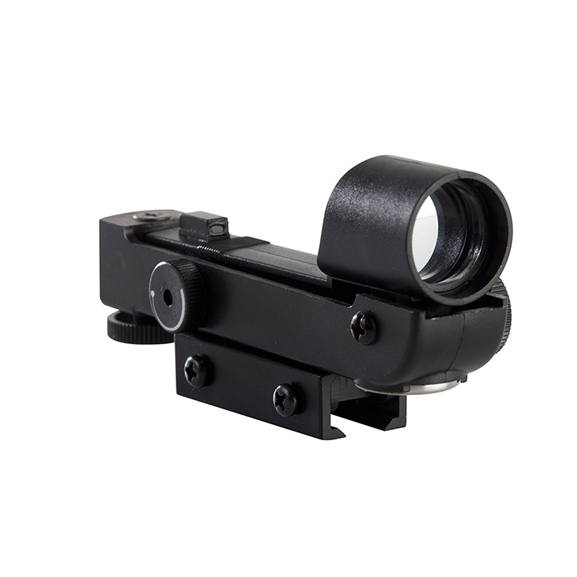

Take the Guesswork Out of Stargazing with this Red Dot Finder!
Finding objects is a breeze with the StarPointer Finderscope from Celestron! With this zero magnification finderscope, you'll be able to aim your telescope while scanning the sky with both eyes. The simple alignment is quick and lasting. Check out the video below for a step-by-step alignment guide!
StarPointer Finderscope At a Glance
|
|
|
|
|
|
This StarPointer Finderscope from Celestron is a versatile accessory upgrade for your telescope. Attachment is simple and aligning the sight with your telescope only takes a few minutes. With a pinpoint LED that projects onto a specialized viewing lens, this finderscope provides a clear red dot guide that makes it easy to accurately aim your telescope at any object across the night sky. Unlike a magnified finderscope, this red dot finder displays a correct-image view, matching what you see with your unaided eyes.
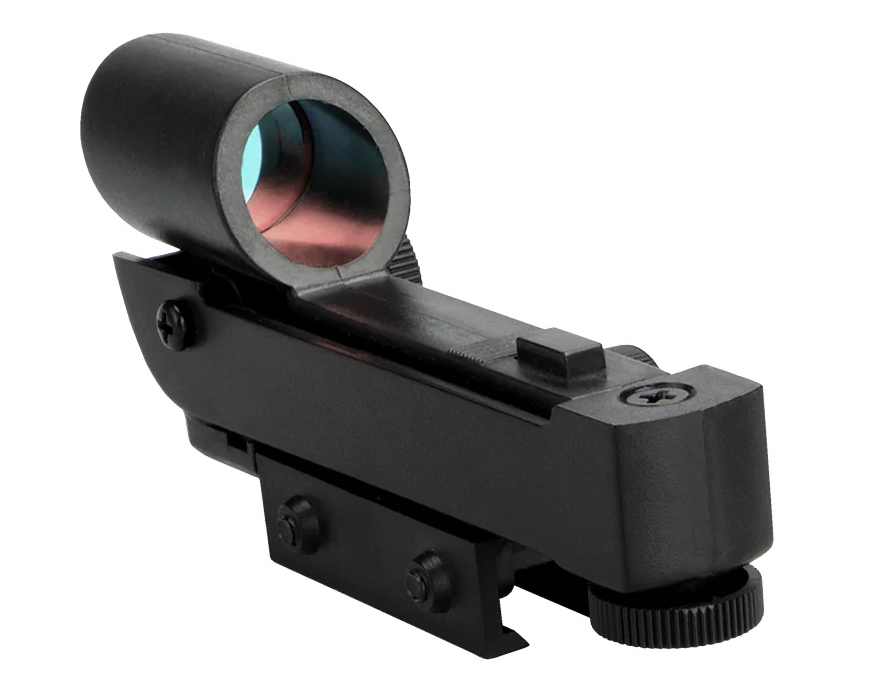
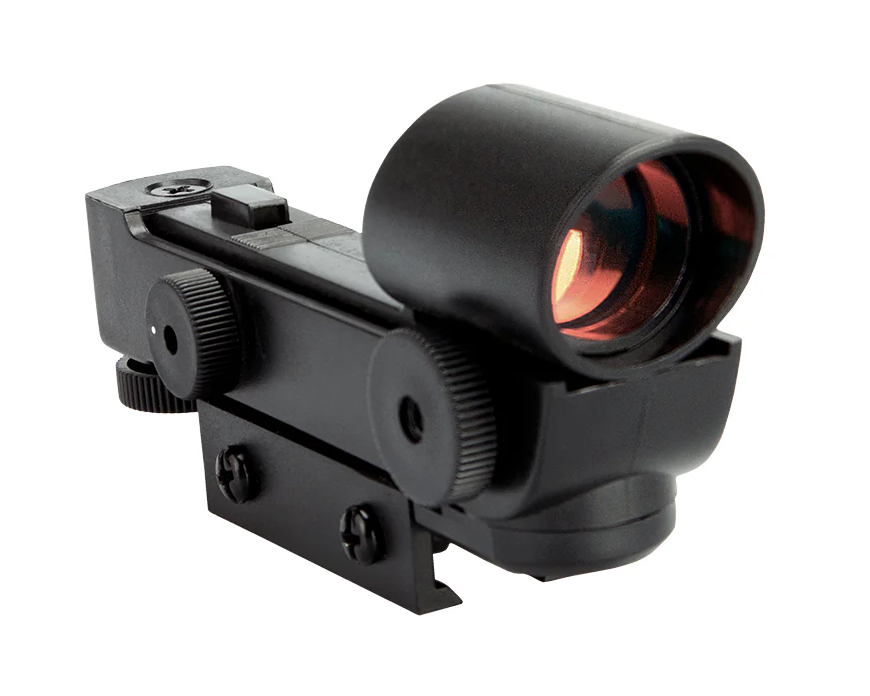
Simplify Your Stargazing Adventures!
This StarPointer Finderscope from Celestron makes it easy to locate objects and aim your telescope. Read on to learn how this powerful accessory can simplify your stargazing sessions and guide you through the cosmos!
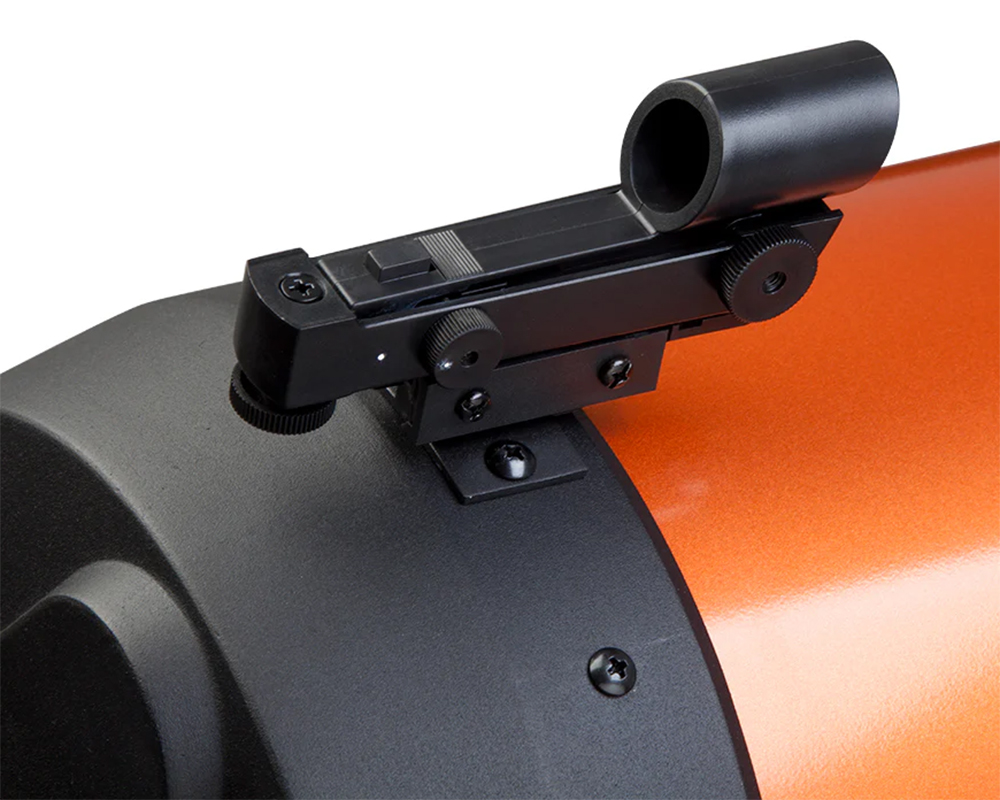
Simple & Lasting Alignment
Aligning your finderscope on the first night out with your telescope is a simple one-time set up procedure. All you'll need to do is take your telescope outside and roughly aim it at an easily recognizable object, such as a streetlight, car license plate, or tall tree. Then, look through the telescope using your lowest power eyepiece and center the object you chose in the view. Once the object is centered in your eyepiece, turn on the red dot and adjust the brightness until you can easily see the red dot. Without moving the telescope, use the two adjustment knobs to align the red dot with the same object you centered in the eyepiece. The knob on the left side controls the left-right motion of the dot. The bottom knob controls the up-down motion of the dot.
Includes Multiple Mounting Brackets
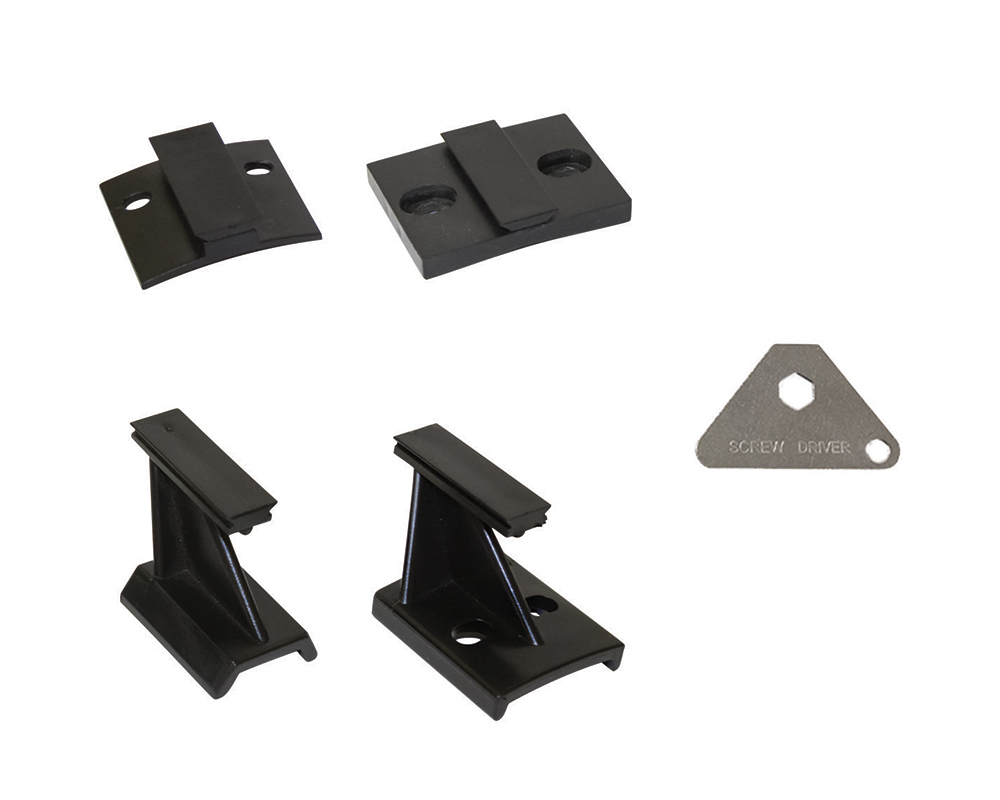
This red dot finderscope comes with four mounting brackets including (1) small Schmidt-Cassegrain bracket, (1) large Schmidt-Cassegrain bracket, (1) bracket for small telescopes with dovetails, and (1) bracket for small telescopes with screw holes. It also come with a convenient pocket sized metal multi-tool that allows you to easily install or remove the backets. These helpful components will allow you to use this red dot finder with a wide range of telescope and optical equipment.
Frequently Asked Questions
Why can’t I see the red dot when I turn on the finderscope?
The power knob on this finderscope features a variable brightness control. In order to for the red dot to be visible, you'll need to rotate the knob clockwise. If the red dot is still not visible, rotate the knob further to brighten the red dot.
What telescopes are compatible with this red dot finder?
This red dot finderscope comes with four mounting brackets that fit a wide range of telescopes and optical equipment. This includes (1) small Schmidt-Cassegrain bracket, (1) large Schmidt-Cassegrain bracket, (1) bracket for small telescopes with dovetails, and (1) bracket for small telescopes with screw holes.
How do I replace the battery?
This red dot finderscope comes with a (1x) CR2032 3V battery. When it comes time to replace this battery, you can do so by (1) unmounting the finderscope, (2) removing the battery door located on the bottom side of the sight window, and (3) slot the new battery in place with the positive (+) terminal in contact with mental tab. After replacing the battery, check to make sure the red dot is visible then reattach the battery door.
Astronomy Hub: Your one-stop-shop for Astrophotography Knowledge!
Our Gear Experts have compiled a wealth of information to help expand your astrophotography knowledge! Below you'll find links to articles, videos and "how-to" guides. Just one more reason that our Astronomy Hub is a one-stop-shop for all your astronomy and astrophotography needs!
| Your Complete Guide to Urban Stargazing |
| Ultimate Telescope Accessories Guide |
| The Best Telescopes For Viewing Planets |